5 skills for Claude Code, made for Mac apps

Your app is done.
Now ship the launch.

Point Claude Code at your repo. Get App Store screenshots, a promo video, a landing page, link previews and launch posts, in your app's own colors and fonts.

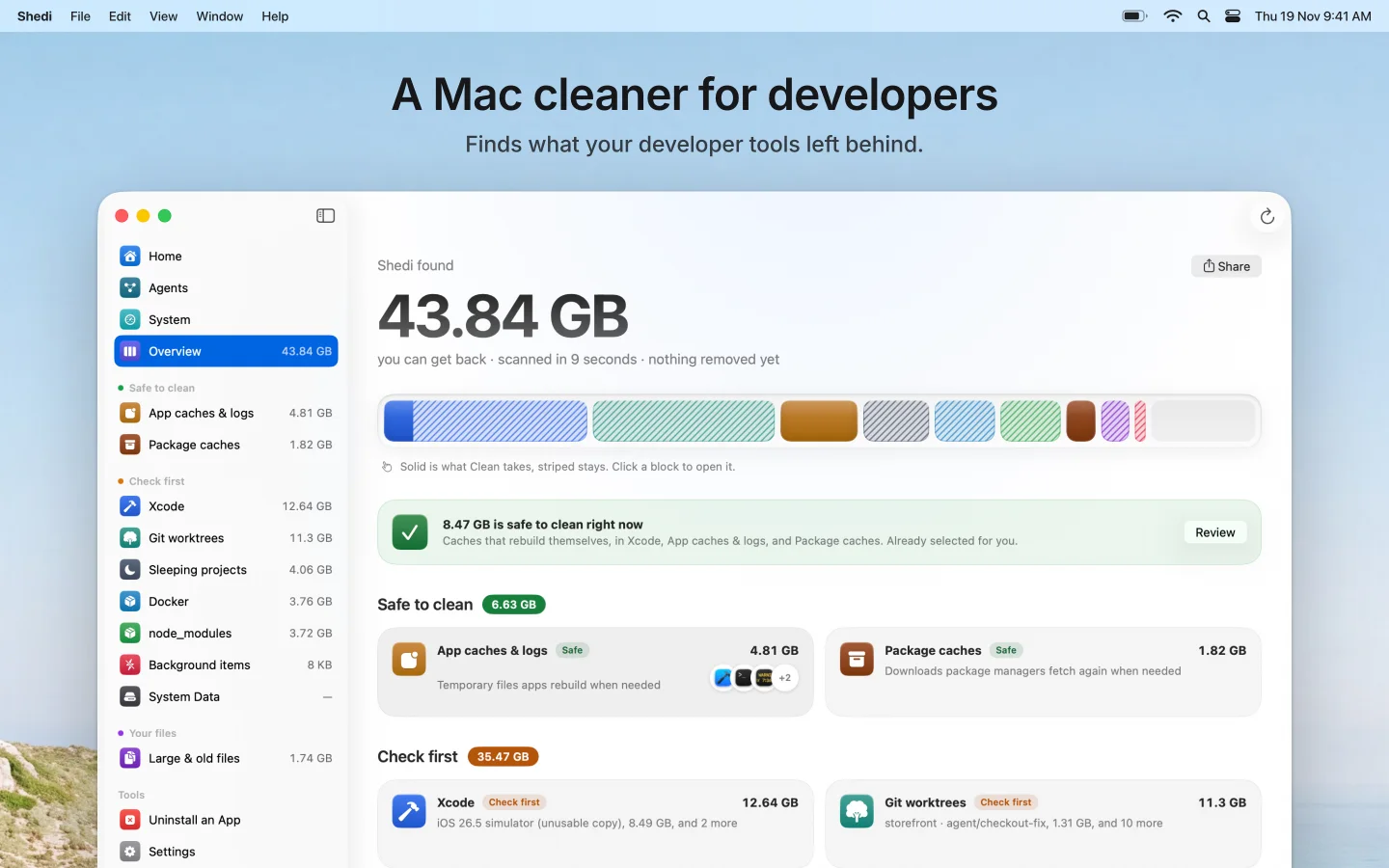
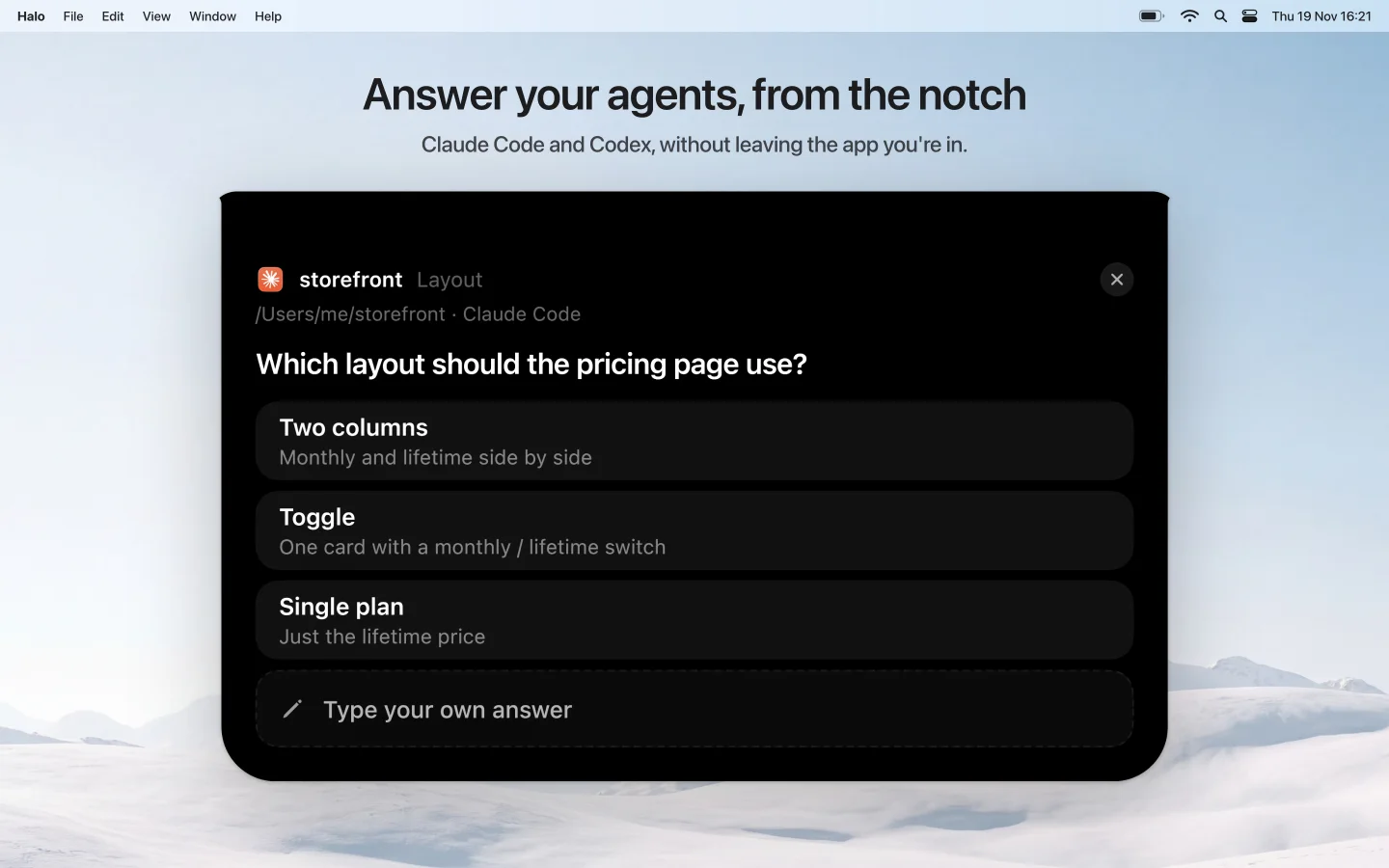
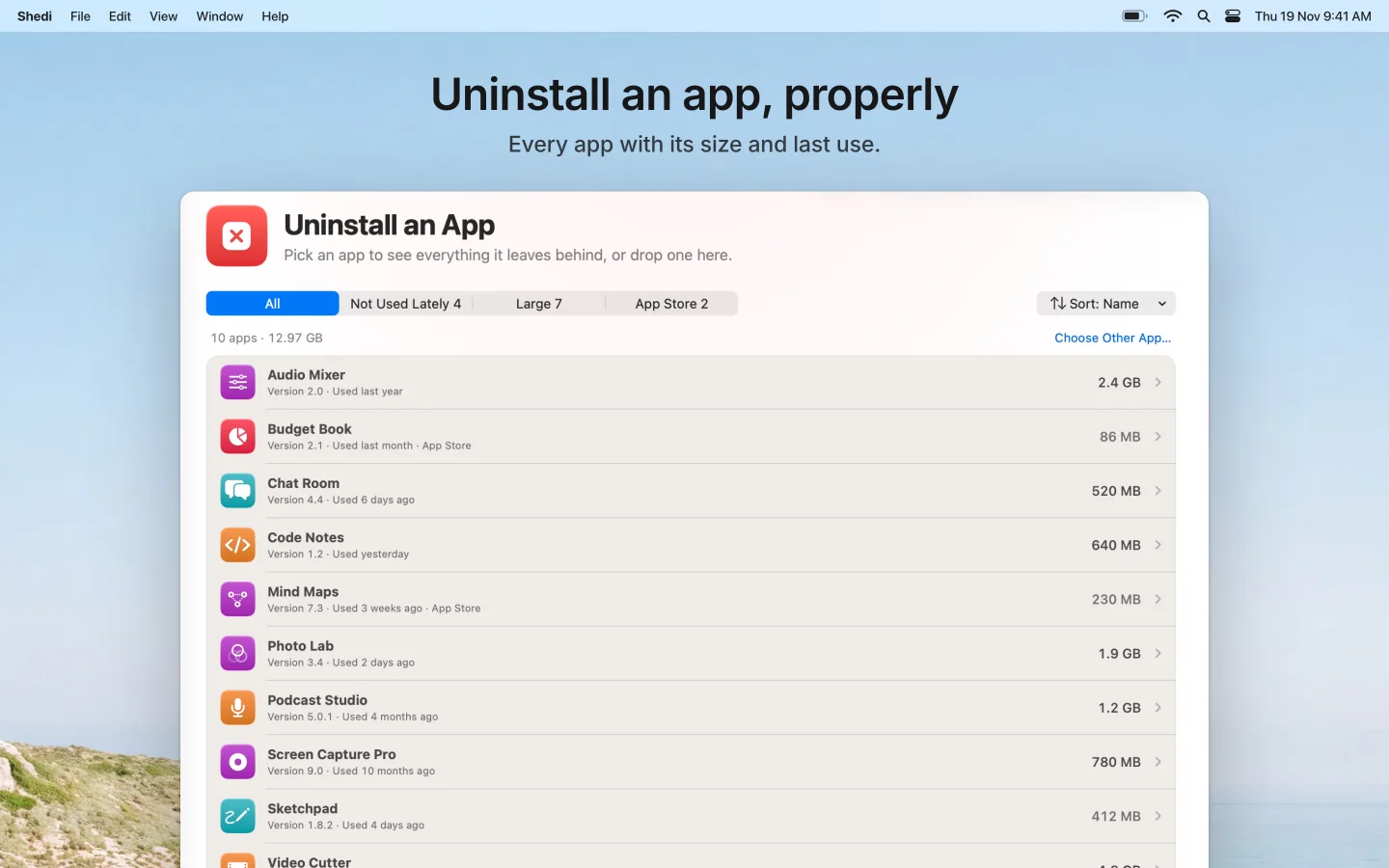
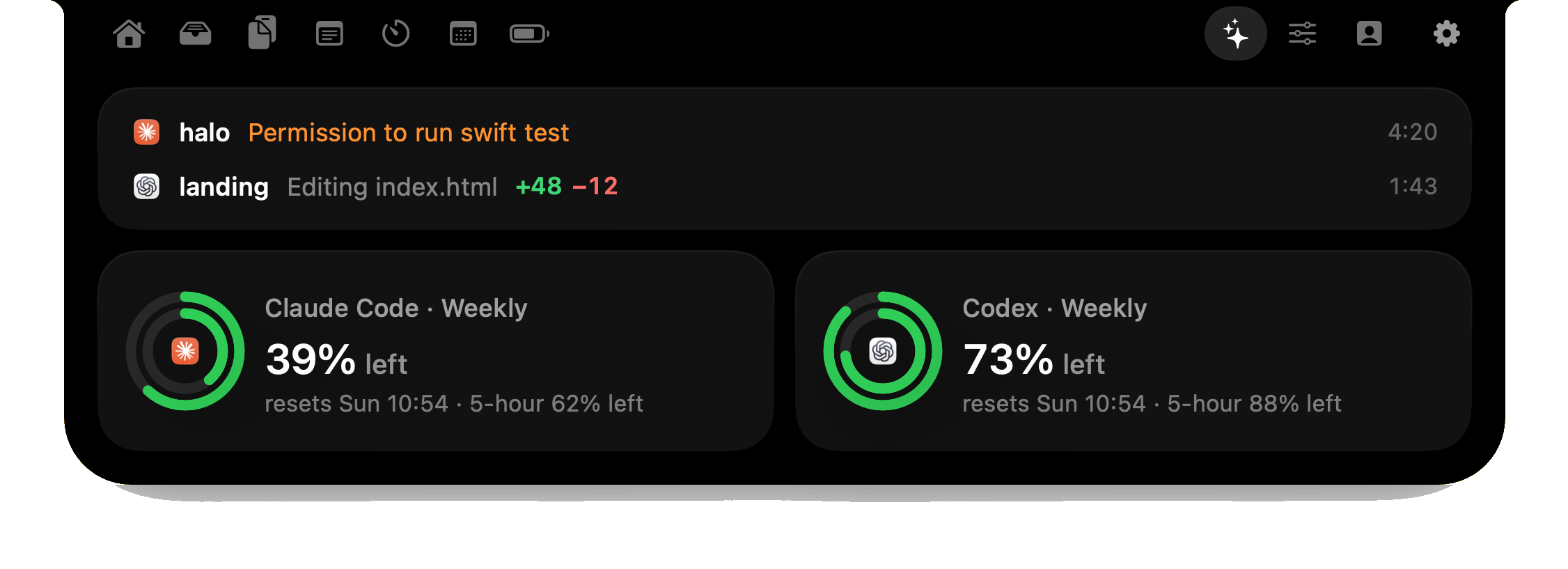
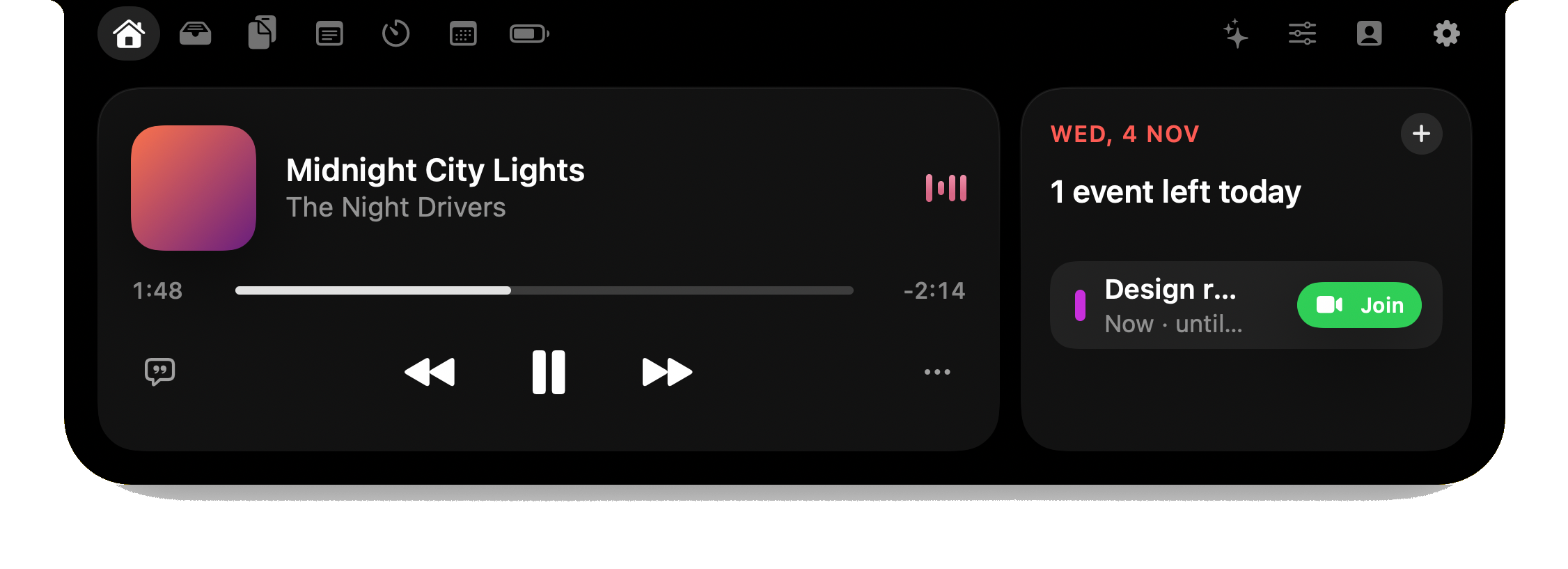
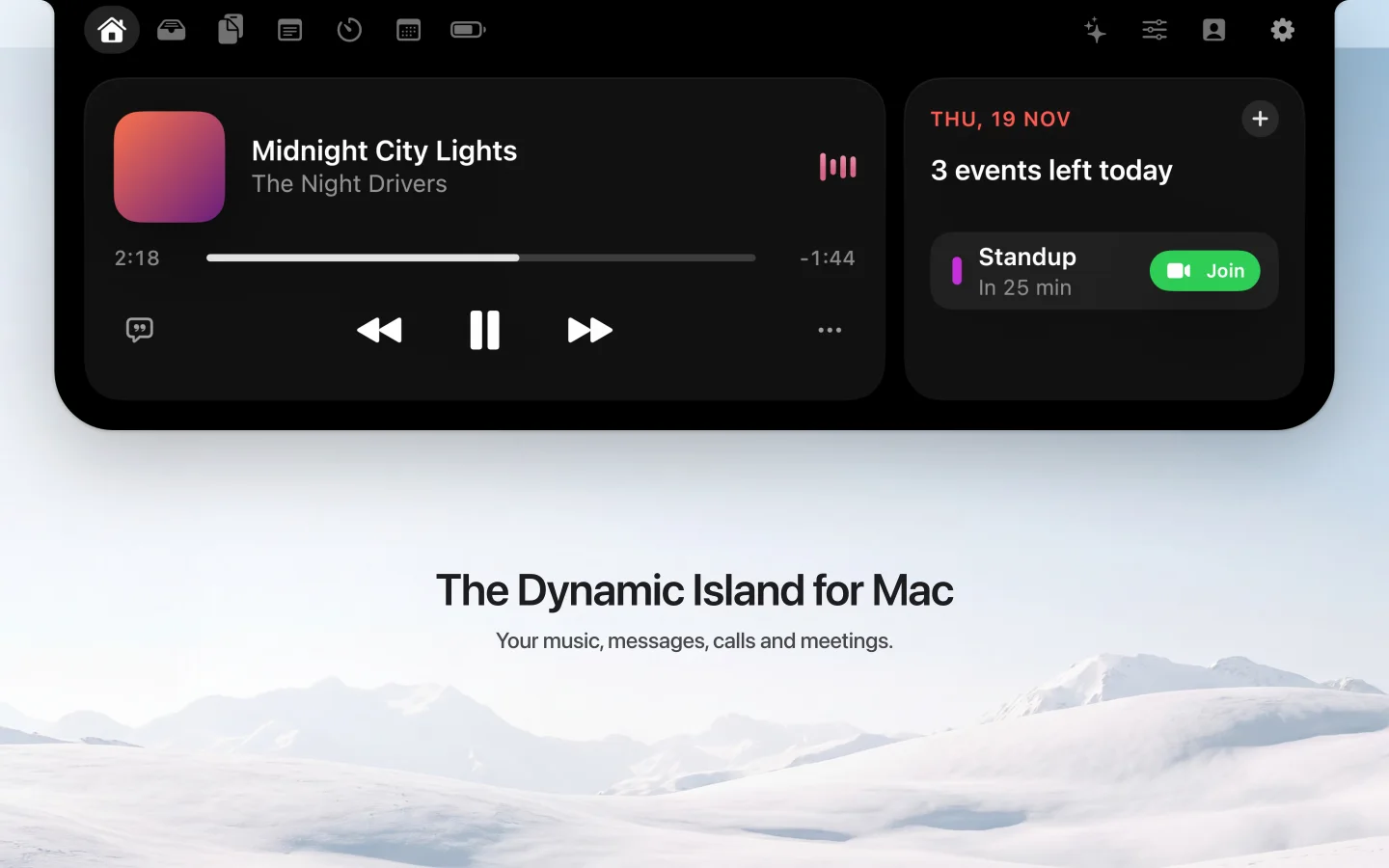
App Store screenshot the skill made for Halo: the island hanging from the notch, headline The Dynamic Island for Mac App Store screenshot the skill made for Shedi: the overview window on a coast wallpaper App Store screenshot the skill made for Halo: answering a Claude Code question from the notch

Building the app took months. Then launch week asks you to be a designer, a video editor, a web developer and a copywriter.

What's inside

Five skills. One repo in,
a whole launch out.

Each skill reads your code, README and screenshots first, and asks only for what it can't find. Everything lands in launch-assets/ in your repo.

/store-screenshots

App Store screenshots that sell the benefit

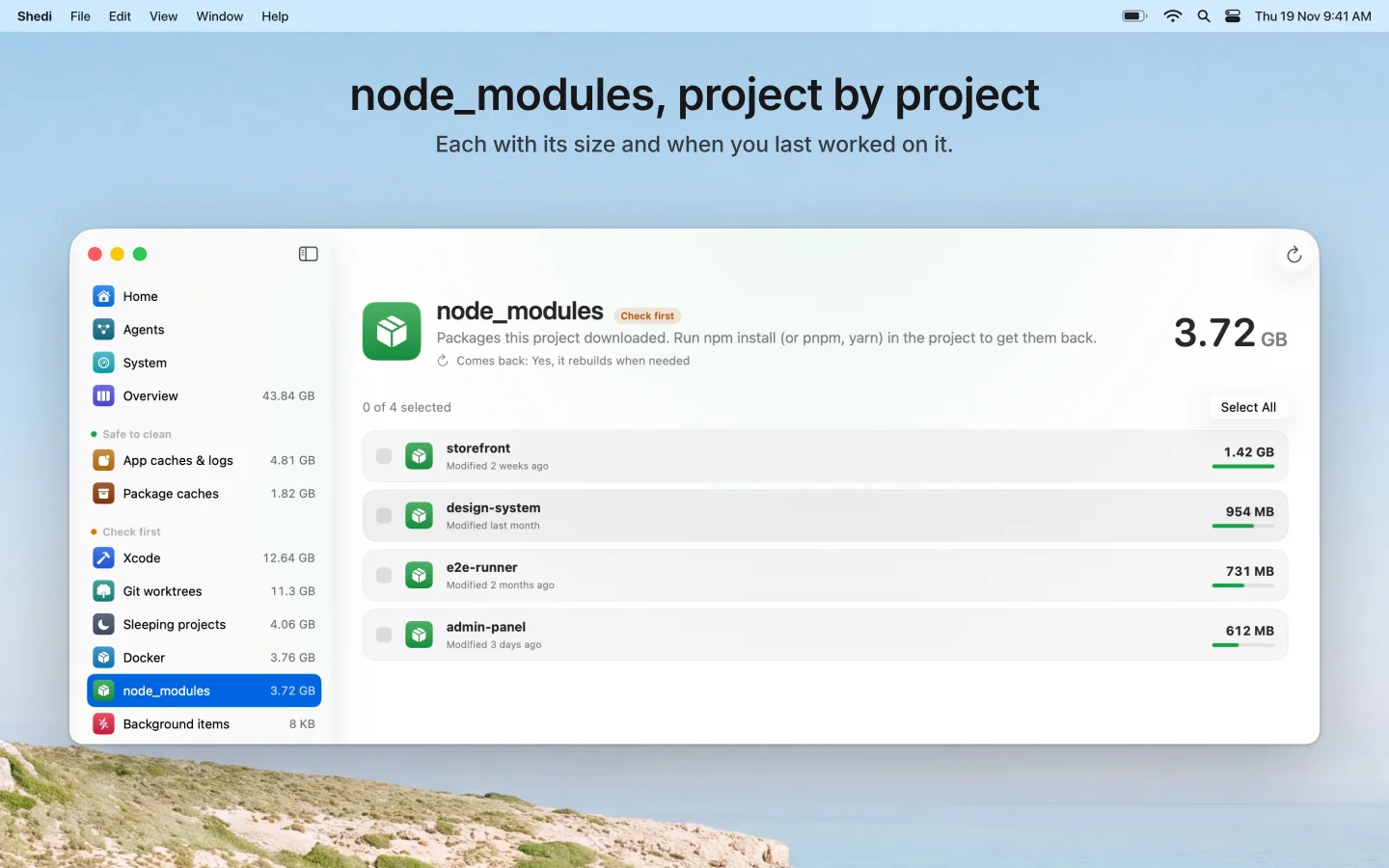
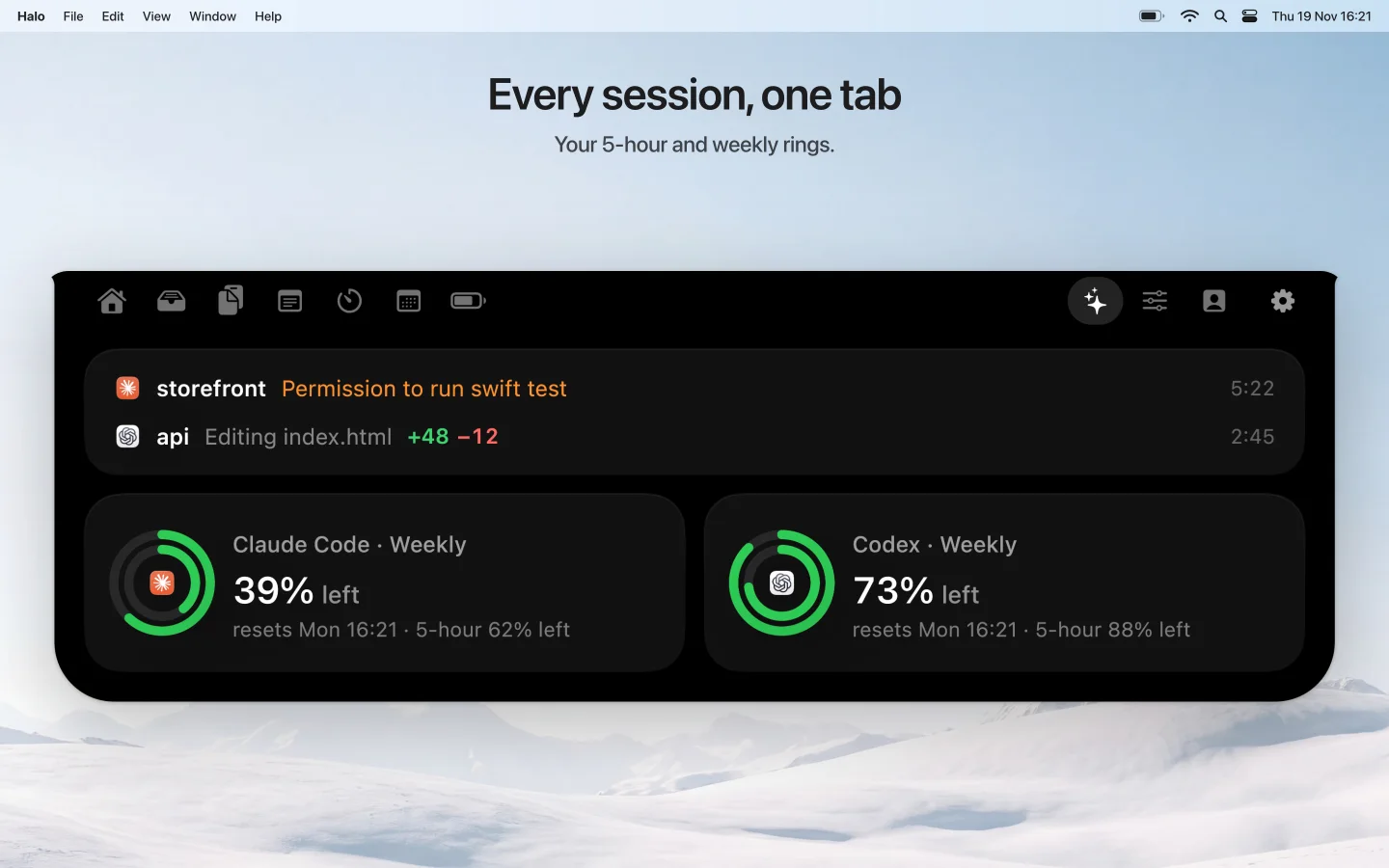
Six shots at Apple's exact sizes, made from your app's real screens, with a short headline in your site's own words. A check fails any shot that is too empty, blurry or in the wrong font before you upload it.

Mac 2880×1800Mac 1440×900iPhone 1320×2868any language, RTL too.zip
Shedi screenshot: node_modules, project by project Halo screenshot: every agent session in one tab Shedi screenshot: uninstall an app
/launch-video

A 15 to 30 second promo

Your screenshots and animated headlines, cut for X, Threads and Product Hunt.

Approve Claude from the notch
Your notch, finally useful
9:16 + 16:9ffmpeg, local
/landing-page

A one-page site that's ready to deploy

Hero, features, pricing, FAQ and a buy button wired to your checkout.

OG tagsFAQ schemasitemap
/og-images free

Link previews that get the click

1200×630 previews, a Product Hunt gallery and an X header.

Your notch, finally useful
1200×630PH 1270×760X 1500×500
/launch-copy

Posts that sound like you

Product Hunt, an X thread, Threads and an r/macapps post that follows the rules.

r/macapps · ProblemI run three coding agents at once and kept missing their permission prompts…
X · 1/3I built a notch app because I kept missing Claude's permission prompts.
no hype wordsno made-up numbers
How it works

Three steps. No Figma, no video editor.

  1. Drop the skills in

    Copy the folder into ~/.claude/skills. Claude Code picks them up on its next start.

  2. Ask for what you need

    Type /store-screenshots in your app's repo. The first skill saves your brand to one file, so the other four never ask again.

  3. Check, then ship

    Every skill looks at its own output before handing it over: exact sizes, readable text, nothing cut off.

~/shedi · claude
> /launch-copy
  read README.md, CHANGELOG.md, launch-assets/brand.json
  Who is it for, in your words?
> developers whose Mac is always out of space
  What does it replace?
> CleanMyMac, DaisyDisk, rm -rf by hand

  wrote launch-assets/copy/
    producthunt.md   tagline 54/60 chars
    x-thread.md      3 posts, link in the reply
    threads.md
    r-macapps.md     Problem · Comparison · Pricing
  ✓ no em dashes  ✓ no invented numbers  ✓ rules checked today
The rules every skill follows

Taste, written down.

Reads before it asks

README, assets, code and existing screenshots first. Questions only for what isn't there.

Your style, not ours

Colors, fonts and icon come from your app, so the launch looks like the product.

Real UI only

Your app's real screens, captured from the app. Only the frame around them is drawn.

Exact sizes, checked

Apple, Product Hunt and X sizes, with the date they were last checked.

Plain words

No hype, no "revolutionary", no numbers you didn't give it.

Runs on your Mac

Playwright and ffmpeg, locally. No uploads, no accounts, no credits.

Who made it
“I launched two Mac apps by myself and spent more time on screenshots and posts than on some features. This kit is that work, turned into steps Claude can follow.”
Otabek Abdiraimov, maker of Halo and Shedi
960+GitHub stars on my free dashboard-design skillSee the repo →
150+paying buyers of Halo, my notch app for Machalo-mac.com →
Pricing

Pay once. Launch every app.

$29launch price for the first 25 buyers,
then $49 · one-time
  • All five skills: screenshots, video, landing page, link previews, launch copy
  • Every future update to them
  • Use it on all your own apps
  • Access to the private GitHub repo
Coming soon $29

Not sure yet? Try og-images free first.

FAQ

Questions, answered.

What do I need to use it?

Claude Code, Node.js and ffmpeg on a Mac or Linux machine. The skills install Playwright on first run if it is missing. You run them inside your own Claude Code session, so you use your own Claude plan.

Does it work for any app, or only Mac apps?

It is tuned for Mac and iOS apps: App Store sizes, Product Hunt, X, Threads and r/macapps. Any repo with a README and a few screenshots works. Swift, React Native, Flutter and web apps all do.

Does my code leave my Mac?

The skills render everything locally with Playwright and ffmpeg. They send nothing to me or to any service. Your code is read by Claude Code the same way it is when you ask it anything else.

Will the output look like every other AI launch page?

No. Every skill starts by reading your app's colors, fonts, icon and real screenshots, and ends with a QA pass that checks sizes, contrast and clipped text before it hands anything over.

Is it a subscription?

No. You pay once ($29 for the first 25 buyers, then $49) and get every update to these five skills. Use it on as many of your own apps as you like.

There are free screenshot skills. Why pay?

They are good, and if all you need is iPhone screenshots, start there. This kit is five launch assets in one, made for Mac apps first: one command, no editor to run, and a check that fails a bad shot before you upload it.

Can I try it before I buy?

Yes. The og-images skill is free and open source on GitHub. It works the same way as the paid four.

The app is the hard part. You already did it.

Let Claude do the launch week.

Coming soon $29 launch price